
A workspace for remote work
LeapTerm brings terminals, remote desktops, remote files, an in-app browser and connection tools into one workspace. Start with a server you control, then add the workflows you need: organize hosts, move files, keep a remote session running, preview live background tabs by hovering over them, or invite someone to help.
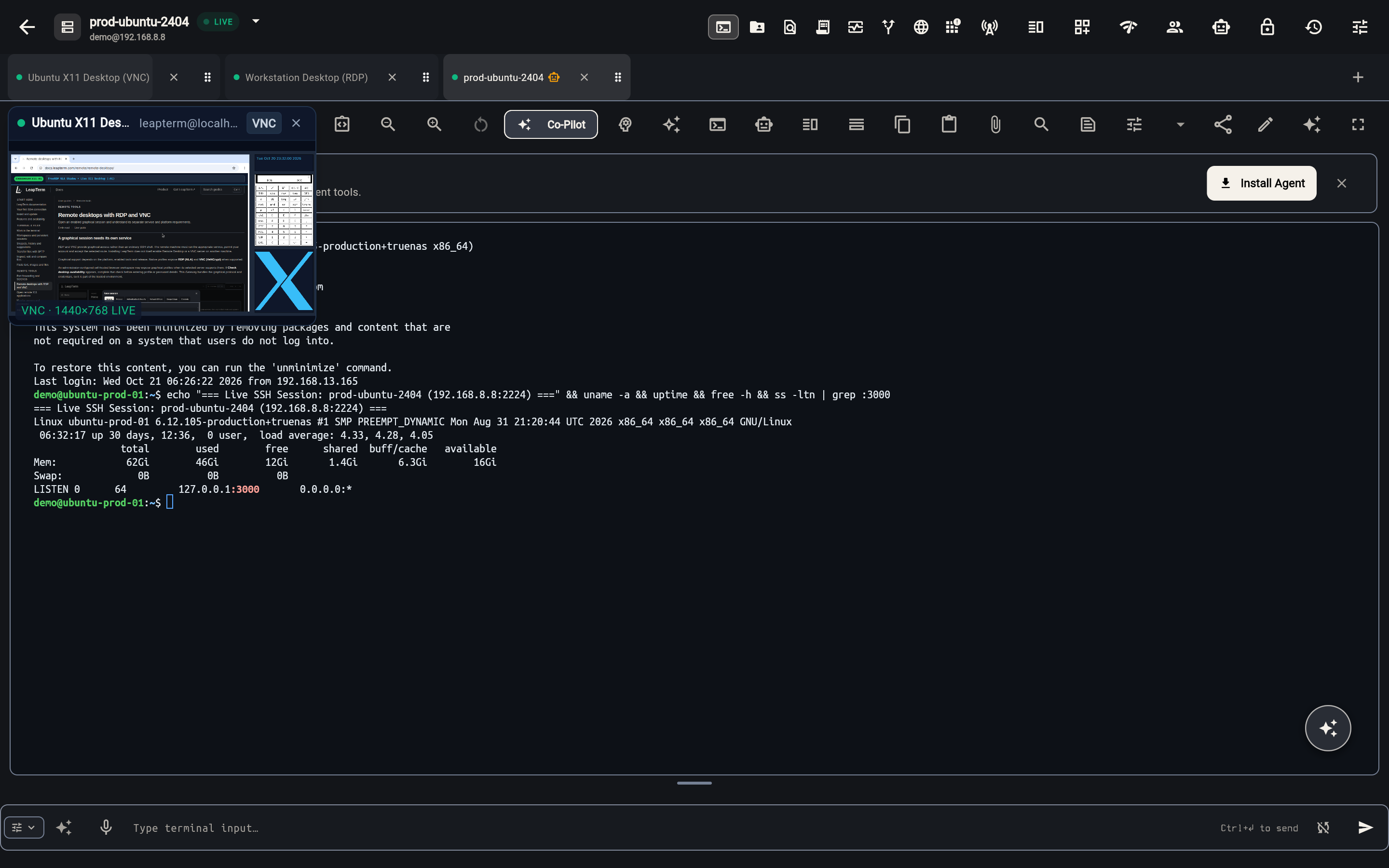
You do not need to learn the networking behind every connection to get started. When it matters, these guides explain where your traffic goes, who must be trusted and what remains under your control.
Choose your next step
New to the app? Make your first connection and learn the difference between a saved server and a running session. Already connected? Explore terminal tools or set up a workspace and live tab previews for several concurrent SSH, VNC and RDP sessions.
Working across networks? Read how relay connections work before choosing a service. Sharing a terminal differs from granting ongoing server access; the Live Share guide helps you choose deliberately.
Understand the boundaries
A secure connection, an encrypted vault and a signed-in account solve different problems. Privacy and trust brings those boundaries together without requiring you to become a security specialist.
Some tools depend on your release, device or organization. Check feature availability rather than assuming every setting applies to every installation. These guides describe user workflows, not a guarantee that every service is enabled for your account.